SprintBar — Writing Sprint Tracker

Write more. Track it live.

SprintBar adds real-time word count, session goals, and a built-in Pomodoro timer directly inside Google Docs™ — in a clean sidebar that never gets in the way.

Free 14-day trial. No credit card required.

Install Free on Google Workspace™ Marketplace
★★★★★
An Official Google Workspace™ Marketplace Add-On.

Google Docs doesn't tell you how much you've written today.

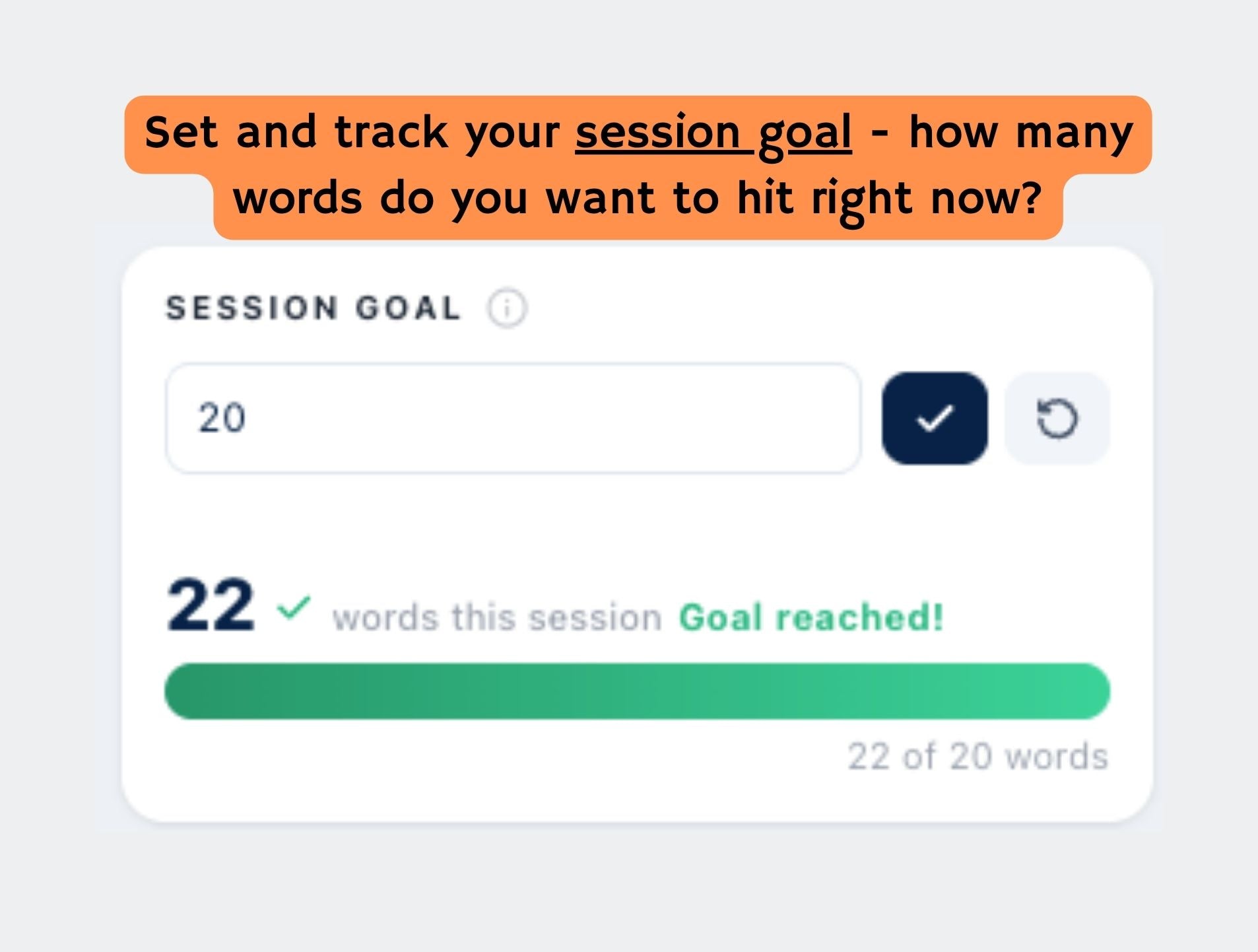
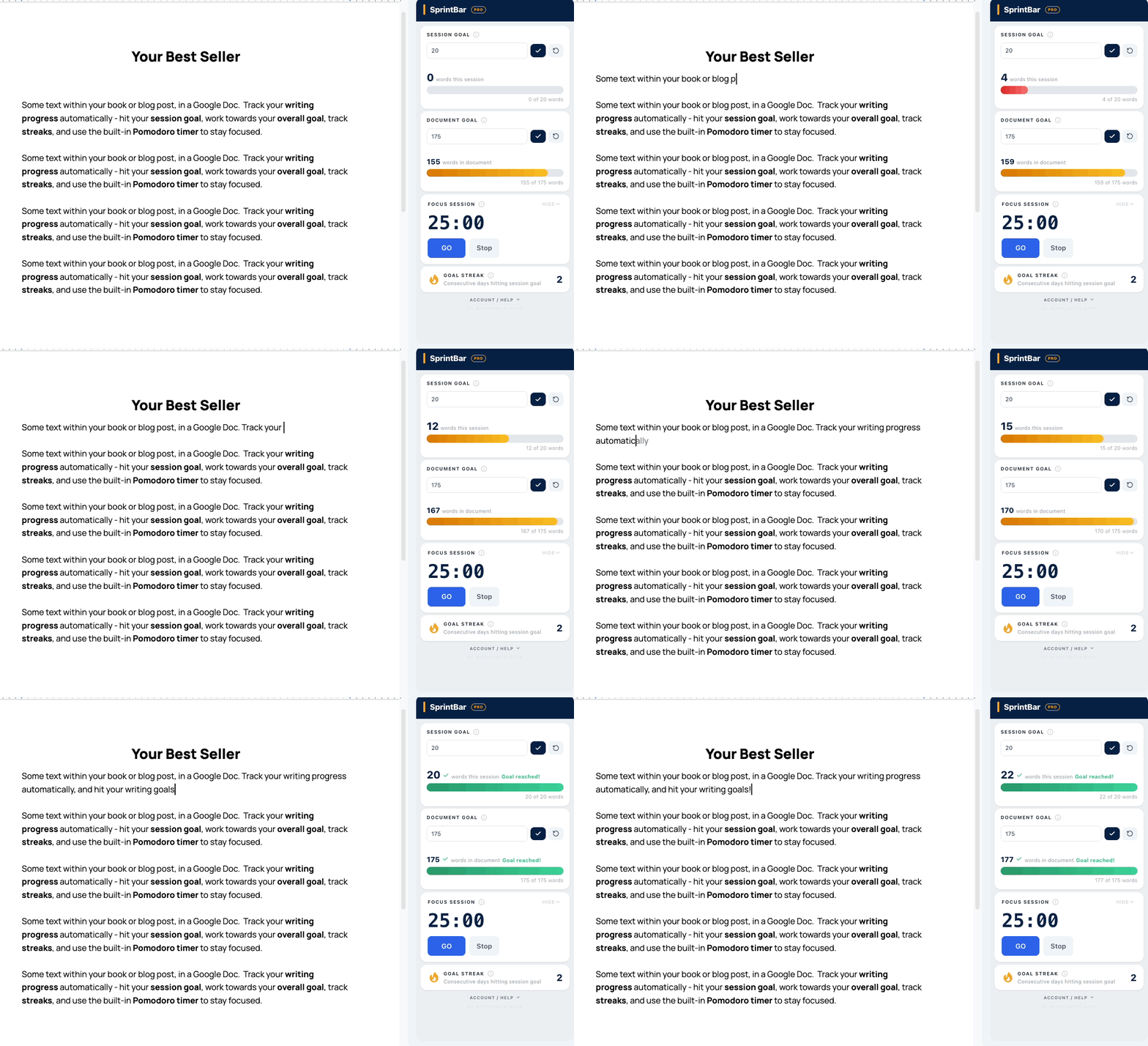
Writers use the word count menu like a nervous habit — check it, close it, write three sentences, check it again. It breaks your flow. And it tells you nothing about your session, your goal, or whether today counts as a writing day. SprintBar fixes that. One sidebar. Real-time count. A progress bar that turns green when you hit your goal. A streak that tells you whether you're building a habit or just intending to.
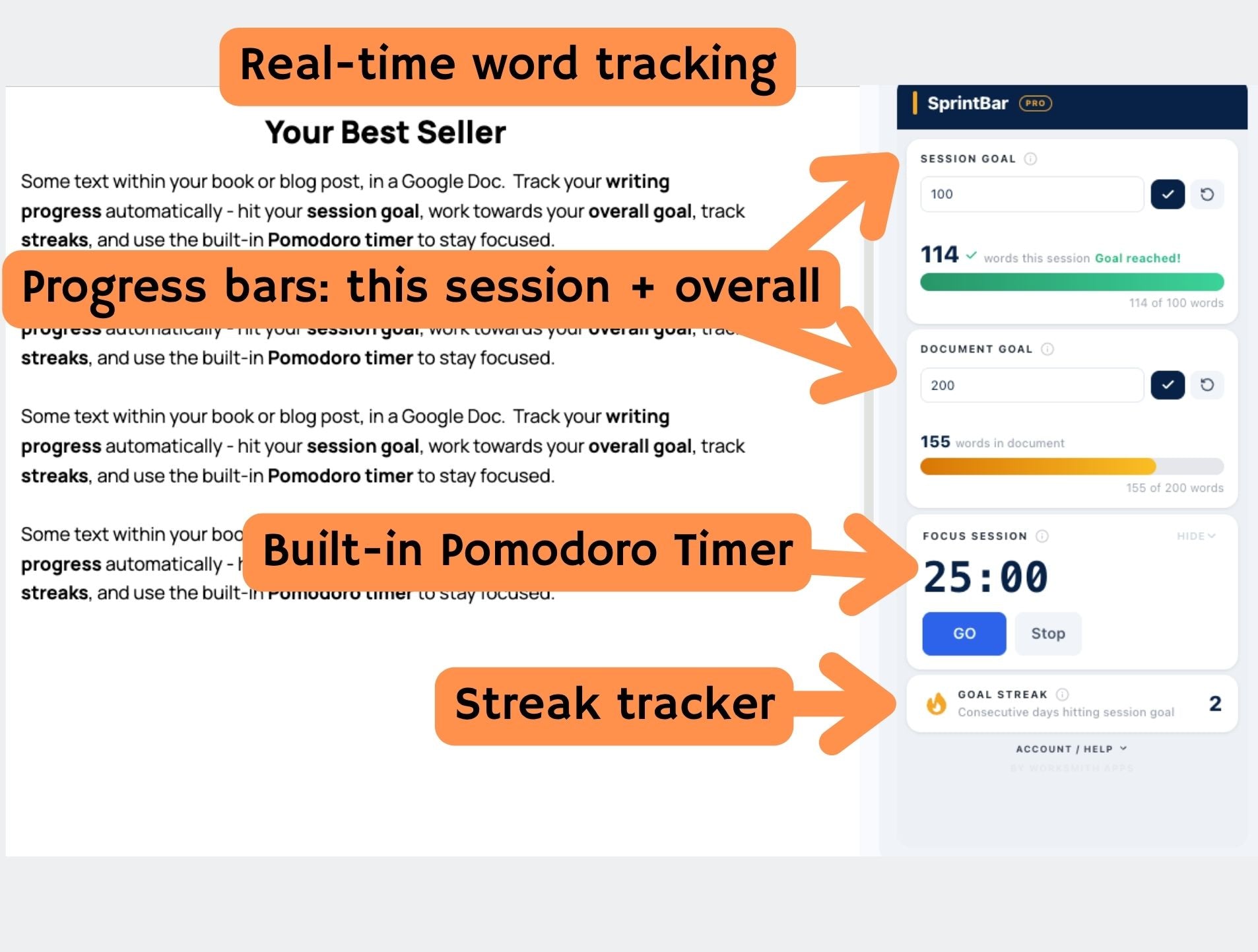
  • Real-time session word count — updates as you type
  • Session goal with a live color-coded progress bar (red to amber to green)
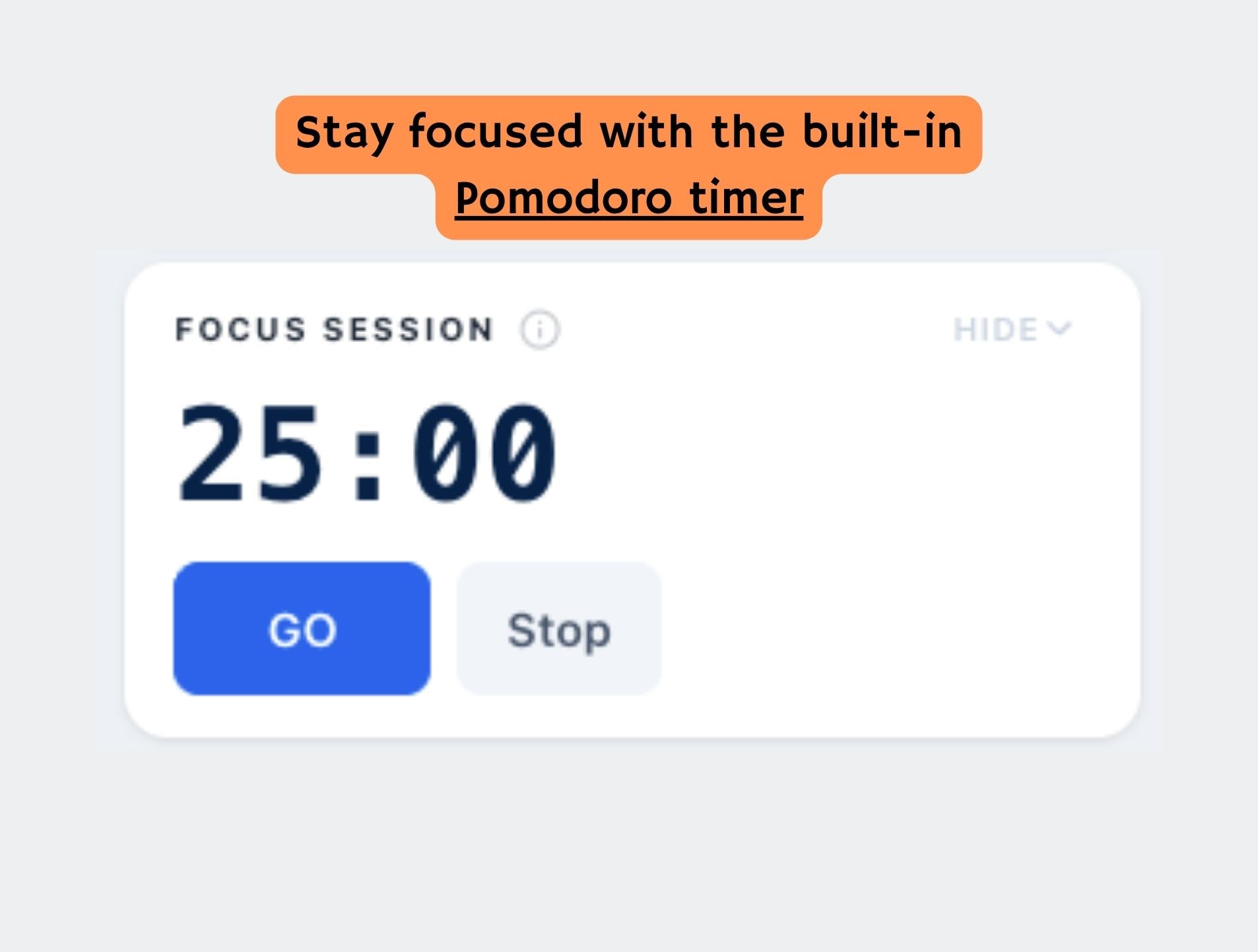
  • Built-in Pomodoro timer — 25-minute focus, 5-minute break
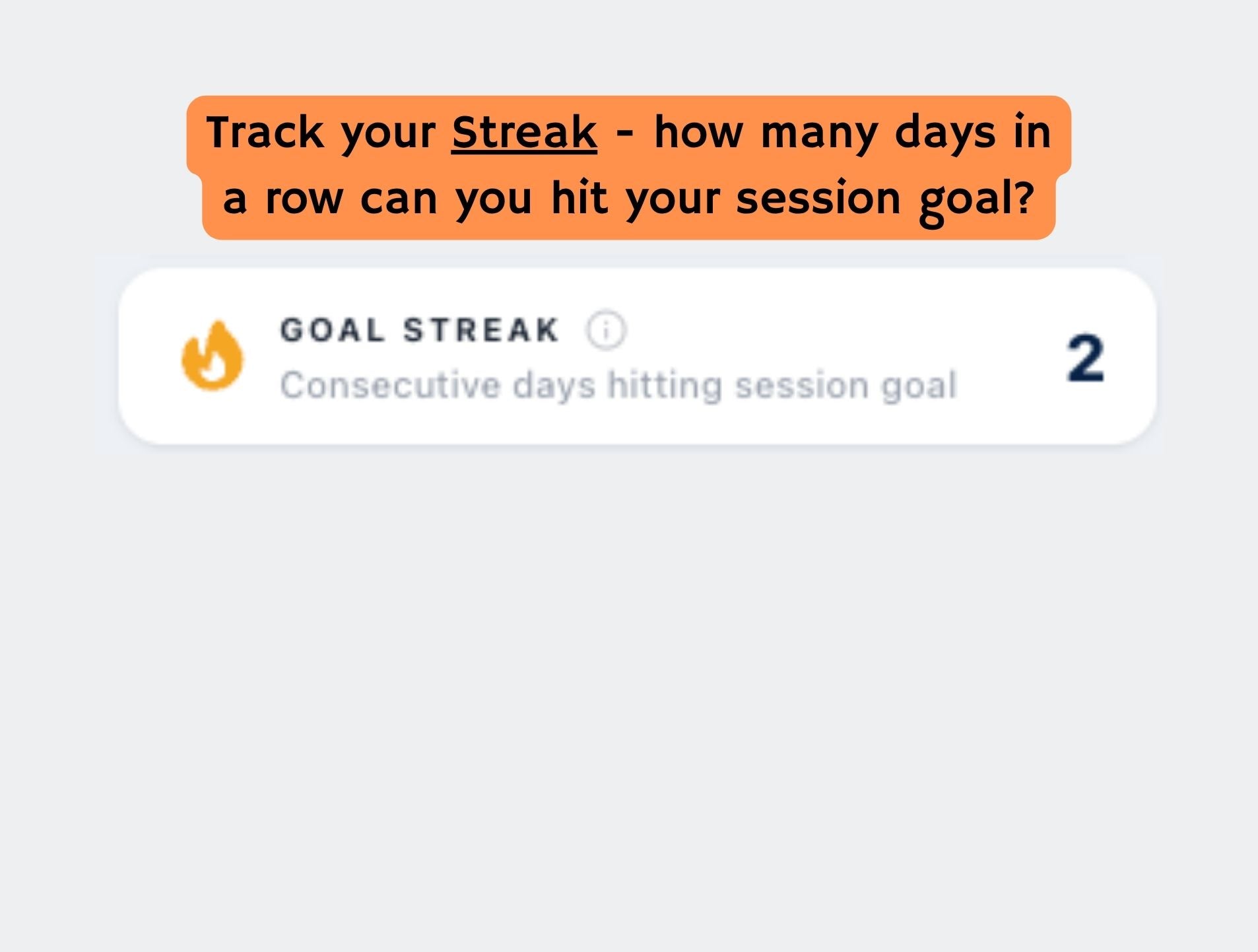
  • Daily writing streak — consecutive days you've met your goal
Free 14-day trial. No credit card required.
How It Works

1
Install in seconds

Click Install on the Google Workspace Marketplace. Authorize the add-on. That's it.

2
Open the sidebar

In any Google Doc, go to Extensions > SprintBar > Open SprintBar. The sidebar opens on the right.

3
Set a goal and write

Enter your target word count for the session, hit GO, and start writing. The bar fills in real time.

What Writers Say

★★★★★

"Finally, a word count tool that actually lives inside Google Docs. I don't have to switch tabs or use a separate app — SprintBar just works."

Sarah M.

Fiction author

★★★★★

"The streak tracker is what got me. I haven't missed a writing day in three weeks. It keeps me accountable in a way nothing else has."

James R.

Non-fiction writer

★★★★★

"I use the Pomodoro timer every morning. 25 minutes of writing, then a break. My daily word count has doubled since I started using SprintBar."

Linda K.

Blogger and content writer

Upgrade to Pro or try free

Free
Free
  • Real-time session word count
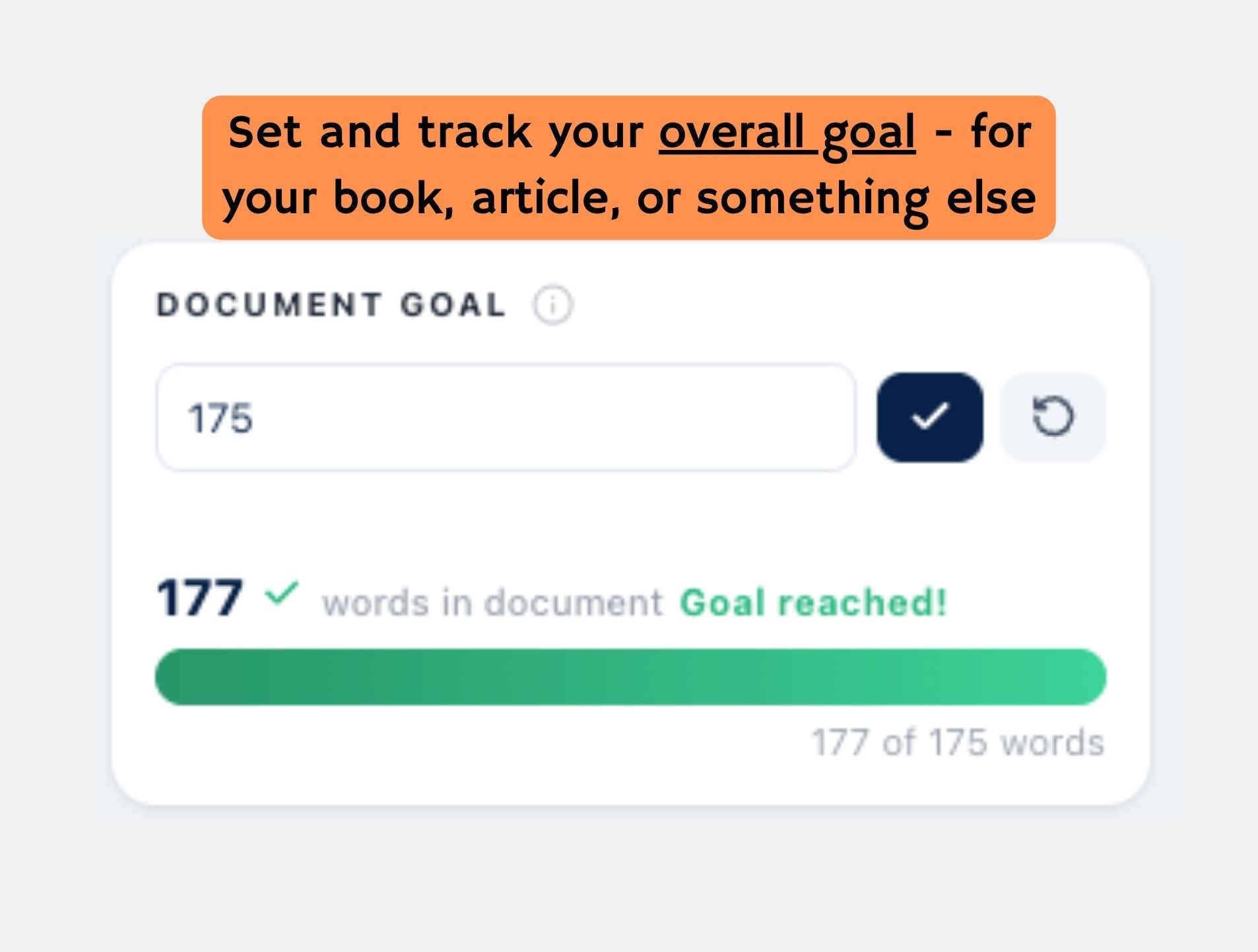
  • Total document word count
  • Free, forever
Pro
$4.99 / month
  • Everything in Free
  • Session and document progress bars
  • Daily writing streak tracker
  • Pomodoro timer
  • Goals saved across sessions

Compare Plans

Feature Free Pro
Real-time session word count
Total document word count
Session progress bar
Document progress bar
Daily writing streak tracker
Pomodoro timer (25/5 min)
Goals saved across sessions
14-day free trial (full access)
Price Free Forever $4.99/month or $34/year

Screenshots

\

FAQ

  • Yes. Once installed, SprintBar is available in any Google Doc in your account. Open it from Extensions > SprintBar > Open SprintBar.

  • The free version keeps real-time session word count and total document word count — permanently, with no time limit. The progress bars, streak tracker, and Pomodoro timer require a Pro subscription.

  • No. SprintBar reads your document text in real time to count words. Nothing is stored externally. Your streak and goals are saved in Google's own storage (PropertiesService) — not on any WorkSmith server.

  • This is usually a multi-account issue in Chrome. Open an Incognito window, log in with the Google account you used to subscribe, and relaunch the add-on. If the issue persists, contact us at info@worksmithapps.com.

  • SprintBar is a Google Docs sidebar add-on and requires a desktop browser. It is not supported in the Google Docs mobile app.

  • Any sequence of characters separated by a space — punctuation attached to a word (commas, periods, quotes, question marks) counts as part of that word, not as a word on its own. Edge cases like standalone dashes or numbered lists may nudge the count by a word or two, but for practical writing purposes SprintBar's count will match any standard word processor to within 1–2%.

  • Yes, at any time. You can manage your subscription via the billing portal link in your welcome email. No questions asked.